Lightware’s Taurus TPN system has been deployed at NürnbergMesse to support low-latency AV-over-IP distribution, video conferencing and broadcast camera workflows across the venue.
The German exhibition and event venue required an AV-over-IP solution that could combine live camera signals, room distribution and conferencing while maintaining minimal delay and backup reliability.
Professional
camera crews working at NürnbergMesse regularly use SDI, while presentations, displays and video conferencing are increasingly distributed through IP-based AV infrastructure. The project therefore required a system that could
connect broadcast and IT workflows without adding complexity for users.
Lightware’s Taurus TPN was installed as the central platform, allowing SDI camera signals to be converted, transmitted over the
network and presented to a connected laptop as USB 2.0 camera sources. This enables speakers to connect a laptop at the lectern, start a video conference and access professional
cameras in the room as if they were standard USB webcams.
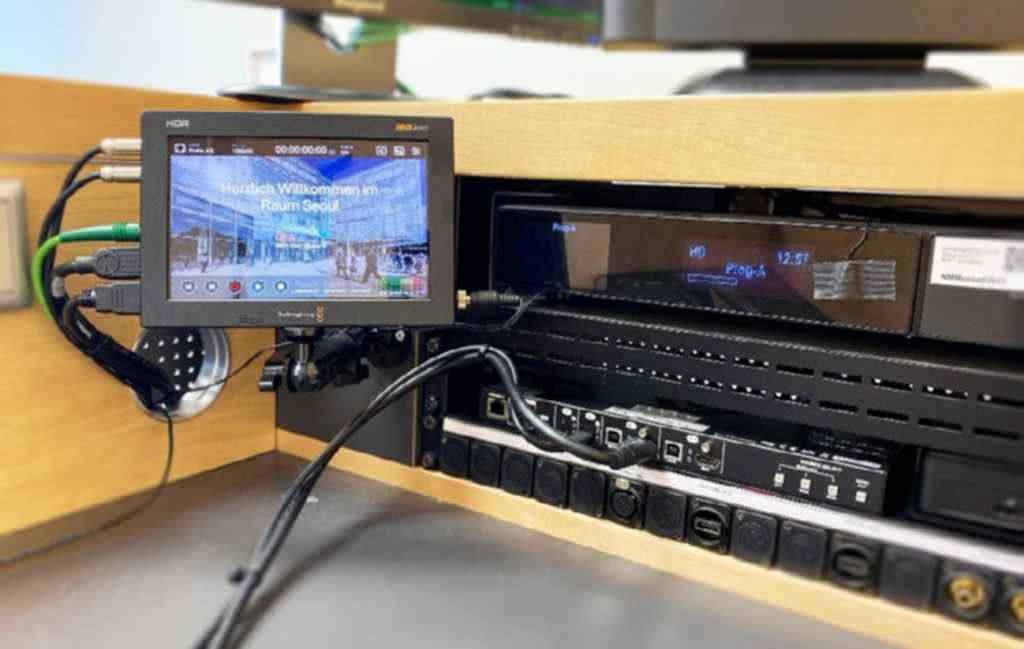
At the same time, the laptop video signal can be routed back to the control room and
distributed to projectors and displays in the room without noticeable delay.
The system uses virtually uncompressed AV-over-IP transmission to reduce latency for live camera and production applications. Integrated USB
transmission over the network allows camera signals to be routed to the required endpoints, while multiple outputs per device support parallel signal paths, including SDI output for redundancy.
The
result is a single platform connecting SDI, USB, HDMI and AV-over-IP workflows, replacing an approach that would typically require several separate systems.
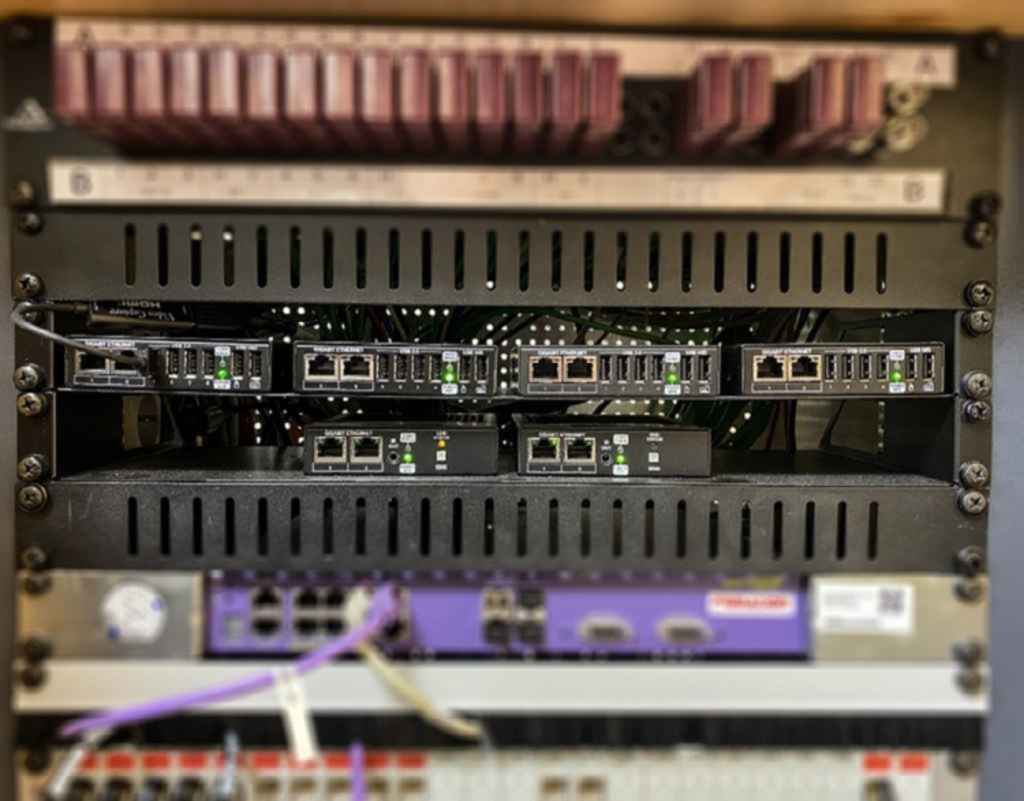
The Taurus TPN solution has been in
daily use at NürnbergMesse for around nine months. According to Lightware, no failures or errors have been reported, and the planned redundancy system has not yet needed to be activated.